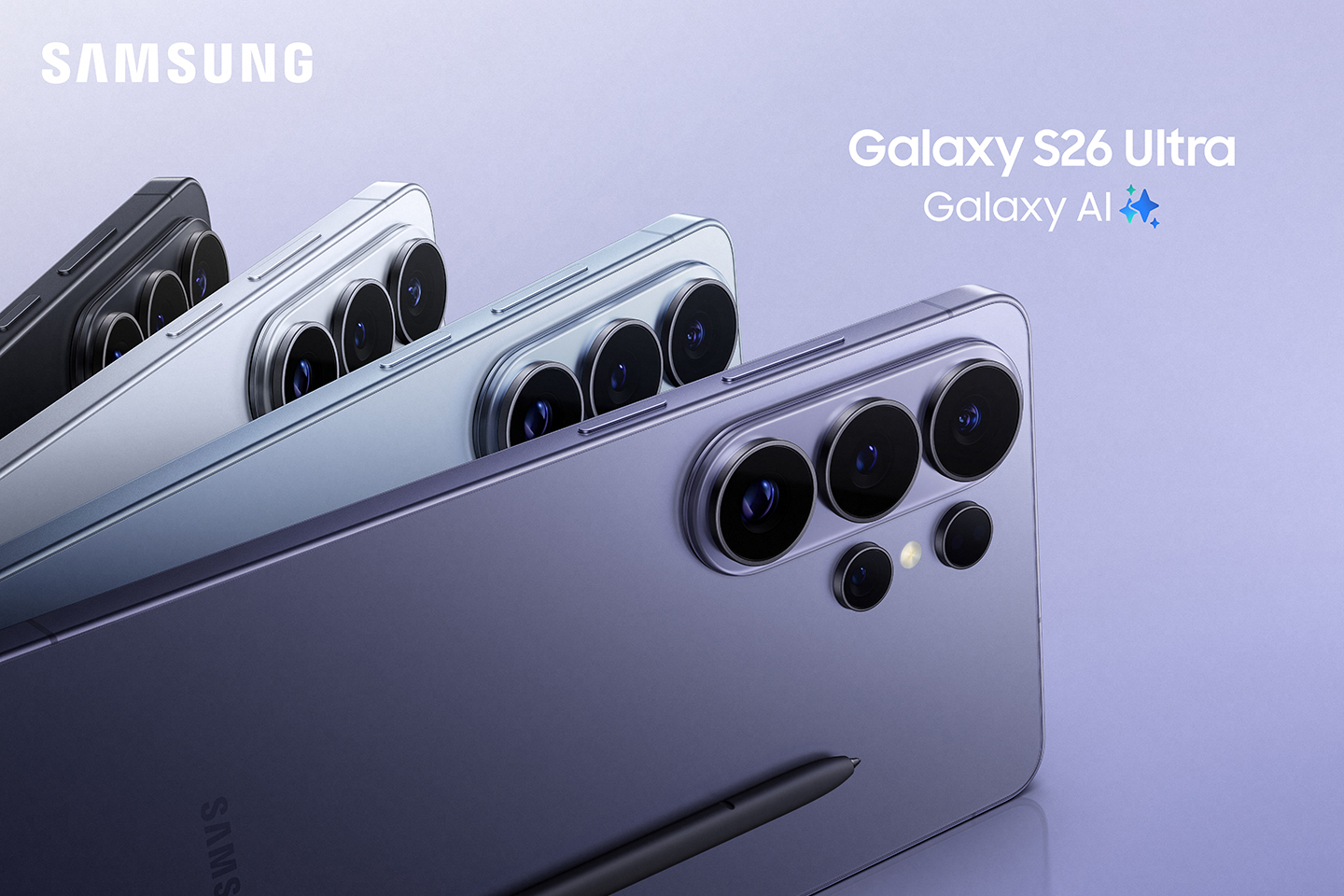
The launch of the Samsung Galaxy S26 series in February 2026 has introduced a wave of “agentic AI” and hardware breakthroughs. While the sleek design and faster charging are obvious, many of the most powerful tools remain tucked away in the settings menus. Consequently, mastering these Galaxy S26 hidden features will transform how you handle privacy, photography, and daily productivity. Whether you use the base model or the top-tier Ultra, these ten features offer a significant edge.
1. Partial Screen Privacy (Ultra Exclusive)
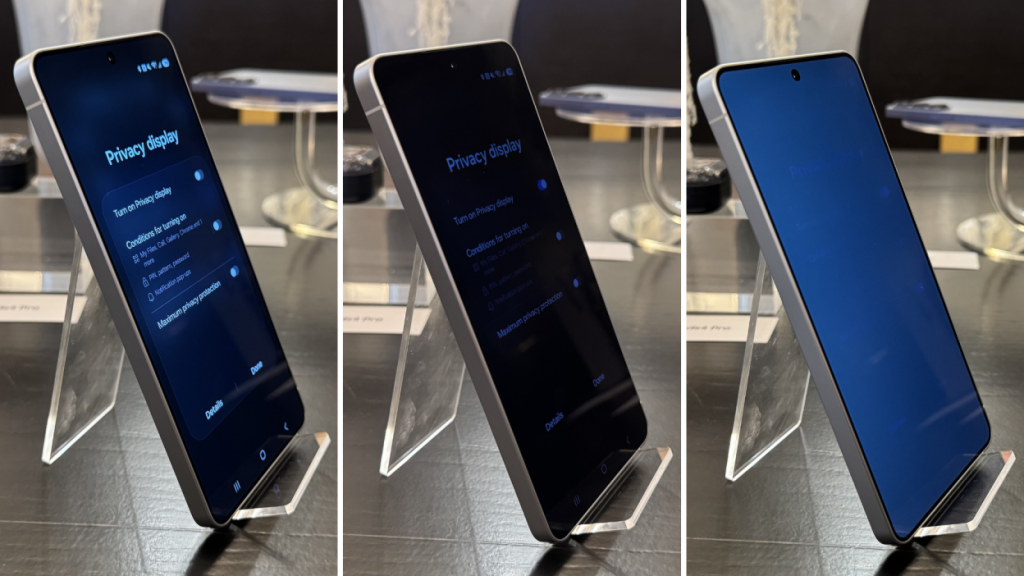
The headline Galaxy S26 hidden feature is the hardware-level Privacy Display. While most users know it can black out the whole screen, you can set it to Partial Mode. This intelligently obscures only sensitive notification pop-ups and password entries while keeping the rest of the screen at full brightness.
2. “Now Nudge” Contextual Suggestions
Galaxy AI now tracks your active conversations to save you time. For example, if a friend asks for photos from your recent trip, a “Nudge” pop-up will appear with the exact photos from your Gallery ready to send. This removes the need to manually search through albums or switch between apps.
3. Horizontal Lock (Super Steady 2.0)
The upgraded Super Steady mode now includes a Horizontal Lock option. Specifically, this allows you to rotate the phone 360 degrees while recording, yet the video remains perfectly level. This makes it a “hidden” game-changer for action sports and shaky handheld filming.
4. Advanced Professional Video (APV) Codec
For creators, the S26 series is the first to support the APV codec. This is Samsung’s answer to Apple’s ProRes. It offers visually lossless compression, ensuring that your high-quality 8K or 4K footage retains its detail even after heavy editing in professional software.
5. AI Audio Eraser for Content
Previously, the Audio Eraser only worked on videos you recorded. Now, it works for content consumption. Specifically, you can use it within apps like YouTube or Netflix to boost dialogue and erase distracting background noise in real-time.
6. Automated App Actions via Gemini
By long-pressing the side button, you can trigger “agentic” tasks. For instance, you can tell your phone to “book an Uber to the airport,” and the AI will open the app and tap through the buttons for you. It only pauses to ask for your final payment confirmation.
7. AI Document “De-Creaser”
The built-in Document Scan tool has been supercharged. It now automatically removes fingers, shadows, and physical creases from paper documents. This results in a perfectly flat, digital-first PDF that looks like it was created on a flatbed scanner.
8. ProScaler Image Enhancement
Tucked inside the display settings, ProScaler uses the new NPU to sharpen text and fine details in low-resolution images. This is particularly useful when viewing older photos or web content, as it smooths textures and improves clarity at a glance.
9. Scam Detection with Haptic Alerts
Using an on-device Gemini model, the Samsung Phone app now listens for signs of a potential scam during live calls. If it detects suspicious patterns, it provides an audio and haptic (vibration) notification to warn you privately without alerting the caller.
10. AI Screenshot Categorization
Your screenshots are no longer a cluttered mess. The system now automatically sorts them into eight categories: social media, coupons, boarding passes, events, locations, barcodes, QR codes, and chats. Consequently, finding a specific discount code or address takes seconds.