Choosing the best budget-friendly computer for university is a challenge for many students. With so many options, it’s important to balance performance, portability, and affordability. Whether you’re studying engineering, business, arts, or medicine, the right laptop should handle research, note-taking, streaming, and even specialized software without breaking your budget.
Chromebooks are the most affordable choice. Models like the Acer Chromebook Spin 314 and Lenovo IdeaPad Flex 5 Chromebook cost under $350 and offer fast performance for browsing, assignments, and online classes. They also deliver up to 12 hours of battery life, making them reliable for long study days. However, they may struggle with advanced offline software like AutoCAD or Adobe programs.
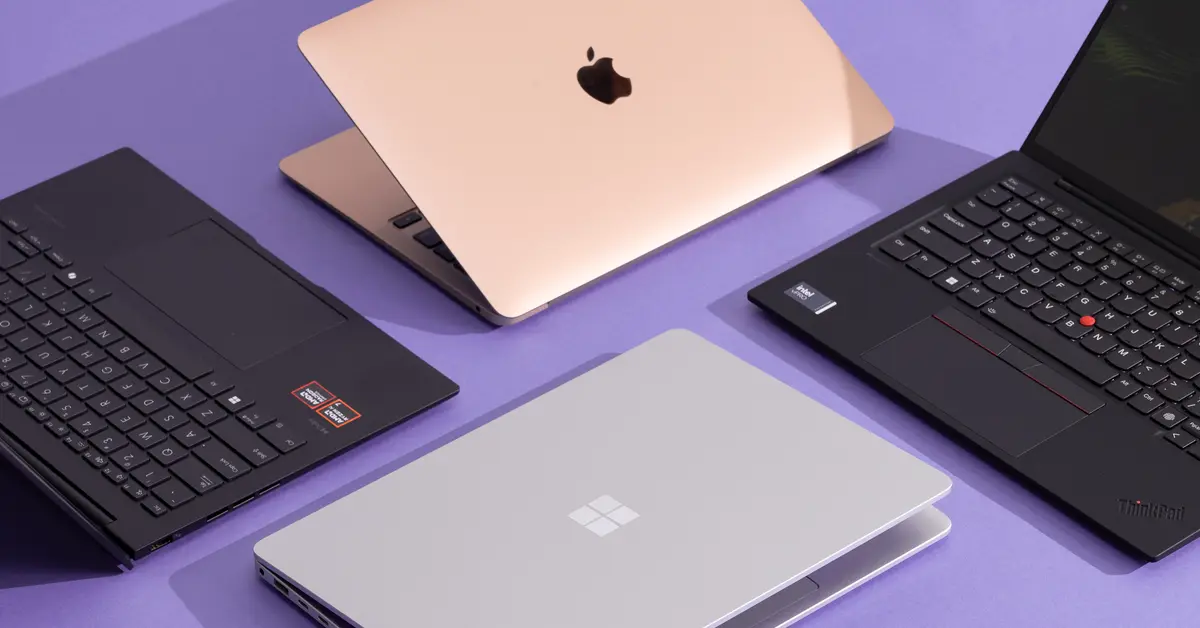
Windows laptops remain the best all-round option. Devices such as the Lenovo IdeaPad 3, Acer Aspire 5, and HP Pavilion 14 combine affordability with full compatibility for course-related applications. Look for at least Intel i3 or Ryzen 3 processors, 8GB RAM, and a 256GB SSD to ensure smooth multitasking. Most fall within the $400–$650 price range, offering strong value for everyday university needs.
For students seeking long-term reliability, the MacBook Air M1 is a powerful investment. Priced around $750–$900, it delivers exceptional battery life of up to 18 hours and strong performance across all tasks. While the initial cost is higher, its durability ensures it will last for an entire degree and beyond. The only drawback is that some Windows-only software requires additional steps to run.
Another great option is a 2-in-1 convertible laptop like the Microsoft Surface Go 3 or Lenovo Yoga 7i. These laptops double as tablets, allowing students to take handwritten notes or sketch diagrams with a stylus. This feature makes them particularly useful for engineering, architecture, and medical students. Prices range from $500–$800.
When buying a budget-friendly computer for university, focus on these essentials:
- Portability: 13–15 inches, under 2kg.
- Battery life: At least 8 hours.
- Performance: Intel i3 or Ryzen 3 with 8GB RAM.
- Storage: SSD for speed.
- Durability: Comfortable keyboard and reliable build.
In summary, the best choice depends on your priorities. Want the cheapest option, choose a Chromebook. If you want the best value overall, go for a Windows laptop like the Acer Aspire 5. If you want durability and long-term use, the MacBook Air M1 stands out as the ideal pick. Every university student can find a budget-friendly computer that supports their academic journey without overspending.